Moonfrost beginner guide: your first day
Hold right-click to walk and click a distant object to walk to it. Then follow the task list: name your character, take the starter tools, meet the villagers who call you over, and clear the weeds and rubble around your house.
The first evening in Moonfrost is mostly about learning two things: how your character moves, and which jobs the game actually wants you to do first. Hold the right mouse button to walk. Click on an object across the village and your character will walk to it and interact on arrival, which is how most players get around before they trust the camera.
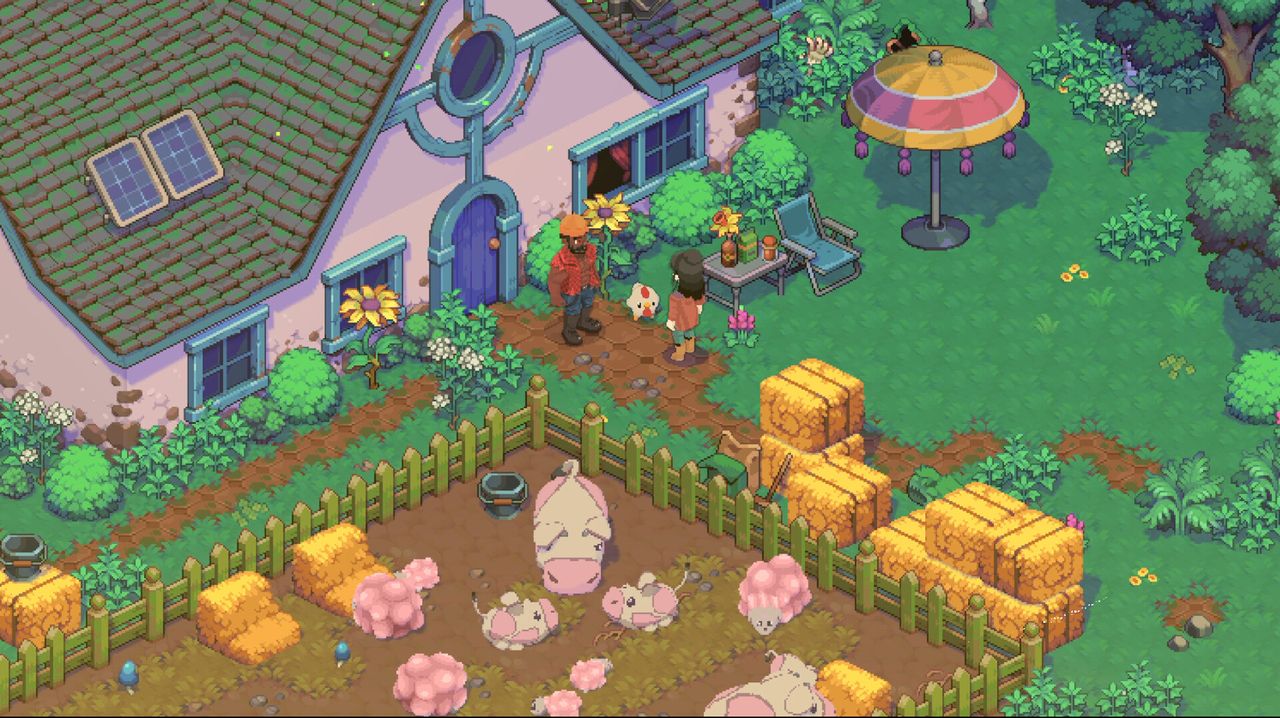
Controls and camera
Moonfrost supports mouse and keyboard as well as full controller support — the store page lists controller support as a launch feature, so a gamepad is a legitimate way to play from the start. Two camera habits save trouble later:
- Pan the camera before you click. Clicking an object sets a walk destination, and a click that lands on the wrong tile can send your character around a fence.
- Watch the stamina meter when you swing tools. Pickaxes and axes were rebalanced for damage and stamina during the demo period, so early tool use drains differently than the very first demo builds.
The opening tasks
The game opens with a task list and a short tutorial. What the build asks you to do first, roughly in order:
- Create your character, including a name — the game now insists on one before you can leave the creation screen.
- Pick up the starter tools and try them out on the overgrowth around your house.
- Meet the villagers who call you over. Talking is a task, not a side activity.
- Collect your first task rewards. An early one is the Storage Chest, added to the demo as a task reward and explained by a "Rewards Received" pop-up.
- Follow the map. The in-game map was rebuilt for Early Access and now carries markers so you can find villagers who have wandered off.
Blueprints and the "!" icon
Crafting sites that have something new to offer show a small "!" marker above them. The game explains blueprints as the way to buy or craft new items — seeds, tools, decorations — and each first-time craft also pays XP. If you are standing in the village wondering where to go next, a blueprint marker is usually the answer.
Mistakes that strand new players
- Deleting the workbench in build mode. The developers listed this as a known issue while the demo was live: workbenches removed in build mode are lost. Treat the bench as permanent.
- Doors. Door placement caused repeated reports, including a resource cost that was not visible in the UI and collision problems around frames. Place a door, then check it opens before you build the rest of the room — a room that will not register is usually a doorway problem.
- Cutscene stucks. A bug where the character could not move or use items after a conversation was fixed during the demo's hotfix run. If you are playing an older build, updating is the fix; the remaining stuck reports are what the developers still ask players to send in.
What to do with your first week
- Spend the first two days on village reconstruction — the cleanup jobs feed the quest line and open the map.
- Set up a small farm and a fishing spot, then read farming, fishing and cooking before you plant a large field.
- Start talking to villagers early. Friendships move slowly and gifts and relationship tracking only start counting once you have met people.
- Build a single room before you design a house; build mode and decorating explains the parts that catch people out.